Why Software Updates Are Your Cheapest Security Tool
Updates close the exact flaws attackers scan for, and they take minutes to install. Here is how to switch...

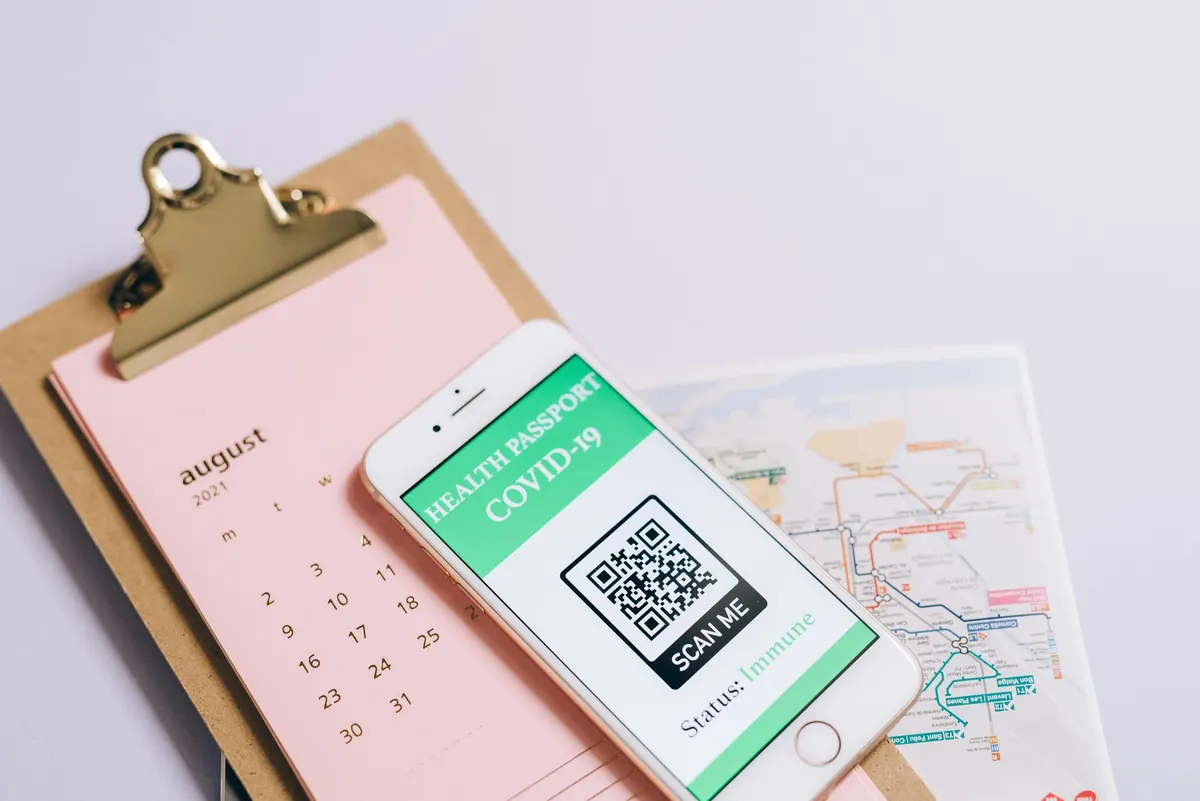
A QR code is a shortcut. It packs a web address into a square of black-and-white pixels, and your phone turns that square into a tap. That convenience is exactly what makes quishing, or QR code phishing, work. The code itself gives you nothing to inspect: no sender domain, no hover preview, no obvious misspelling. By the time the browser opens, the fake page is already loading. Recognizing the trick before you scan is a skill, and it takes less time than reading a menu.
Quishing usually starts with a QR code that points to a fake login page. The page may imitate Microsoft 365, Google, your bank, a delivery company, or your company's payroll portal. It can look convincing because attackers copy real logos, layout, and wording. After you type your username and password, the page either steals them outright or passes them to the real service while capturing your session. Some campaigns ask for a one-time code from your authenticator app, which the attacker uses immediately. Others skip credentials and send you to a payment page, an app download, or a prompt to install a malicious profile. The QR code is not the attack by itself. It is the delivery method that hides where you are going.
On a desktop browser, you can hover over a link and read the destination. On a phone, that safety net is mostly gone. The address bar is small, and mobile browsers often hide the full URL until you tap it. At the same time, QR codes appear in places where people are already rushed: restaurant tables, parking meters, event posters, package inserts, and email attachments. A sticker placed over a real code can look almost identical. A PDF with a QR code can slip past email filters that scan text and links. Your phone camera may open the URL instantly, before you have a chance to ask whether the code belongs there.
The first question is not "Where does this code go?" It is "Why is this code here?" Legitimate QR codes usually have a clear purpose and a physical or organizational reason to exist. A menu code taped to a table with a handwritten label is different from a code stuck over the original with a different sticker. An email asking you to scan a QR code to review a voicemail, reset a password, or confirm a package is a common quishing pattern. If the message creates urgency, threatens account closure, or asks for credentials, treat the code as hostile until proven otherwise. When the code is on a payment terminal, parking meter, or invoice, go to the official app or website directly instead of scanning.
You do not need special software to reduce the risk, but you do need to slow down for two seconds. Use the camera's link preview if it offers one, and read the domain before tapping the notification. If your camera opens links automatically, change that setting or use a scanner that shows the decoded URL and asks for confirmation.
Say a QR code in an email claims to be a secure message from your bank. The preview shows https://bank-secure-login.example/portal. The word "bank" appears, so it feels right. But the registered domain is example, not your bank's domain. The path and subdomain are just decoration. Close it. Open your bank's app or type the address you already know. The same logic applies to Microsoft, Google, payroll, shipping, and social media login pages. Brand names in the subdomain or path are not proof of ownership.
Do not panic, but do act. If you only landed on a page and closed it, you are probably fine. If you entered a password, change it immediately from a device you trust, and change it anywhere you reused it. Turn on multi-factor authentication if it is not already enabled, and prefer an authenticator app or hardware key over SMS codes. If you approved a push notification or entered a one-time code, contact your IT team or the service provider right away. For a payment page, call your bank or card issuer using the number on your card, not a number from the suspicious page. If the scan installed an app or profile, remove it and run a security scan. For financial or legal concerns, speak with your bank or a qualified professional.
Treat every QR code like a link from a stranger. Pause, check the context, preview the URL, and confirm the domain before you tap. When in doubt, skip the code and go to the service directly. That one habit defeats most quishing attempts, because the attack depends on you trusting a square instead of a web address. Your phone can scan a code in a second. Give yourself two more to decide whether it deserves to be scanned at all.
Photo: Leeloo The First / Pexels
Updates close the exact flaws attackers scan for, and they take minutes to install. Here is how to switch...
Free breach-checking tools reveal if your email appeared in a leak, and this guide explains how to use...
A lost phone or locked account can derail your family. Here’s how to set up recovery contacts, backup...